Convert PDF to OFX
Does your bank only provide PDFs? And does your accounting app only accept OFX files? You cannot load PDF statements directly. Use ProperConvert to convert your PDF to OFX.
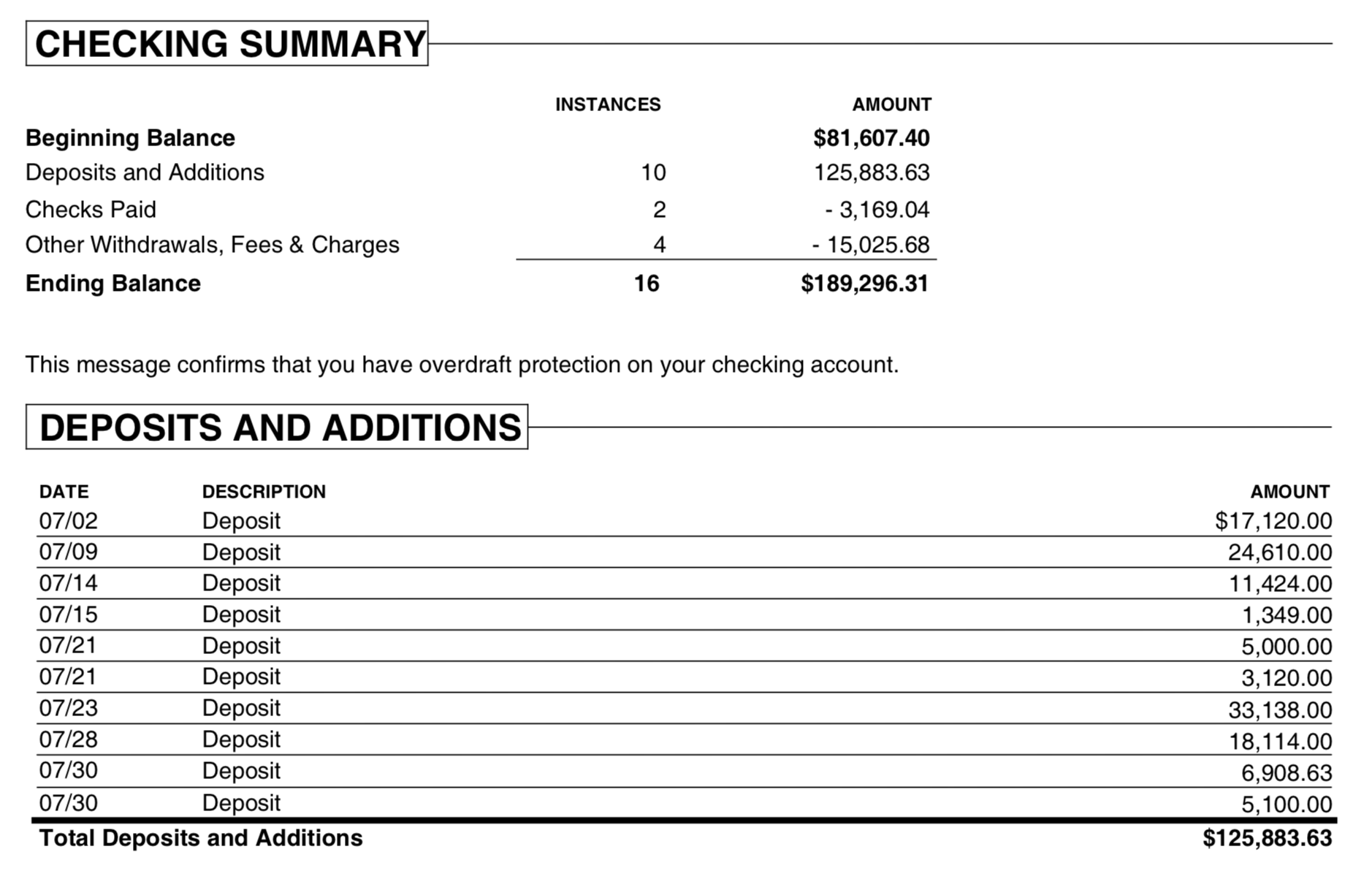
PDF (Portable Document Format) is used for documents that must look the same on any device. But PDFs are hard to work with for bookkeeping. Bank and credit card statements mix transaction tables with headers, footers, and legal text. This makes it hard to extract the transactions accurately.
OFX (Open Financial Exchange) is a standard format designed to import financial data into accounting apps. Unlike PDFs, OFX is structured so apps can read it accurately. It makes reconciling bank and credit card statements faster and reduces errors.
The ProperConvert lets you quickly convert your PDF bank statements into various accounting formats, including OFX, simplifying your financial record-keeping process.
Convert transaction from PDF to OFX format
Introducing ProperConvert(replaced legacy PDF2OFX) app.
- Extract transactions from PDF files and create an OFX file ready to import.
- Skip manual entry. Process the data you already have in your statements.
- Works with statements in many layouts. Pulls date, amount, description, and check number.
- Try a free trial. Contact us for support before and after your order.
- Convert your own and your clients' documents on your computer without uploading to the cloud.
- Work in the converter, or extract to CSV first, then convert CSV to OFX.
- Convert PDF statements that won't work with your accounting app to OFX.
- Import from text-based, image, or scanned PDFs.
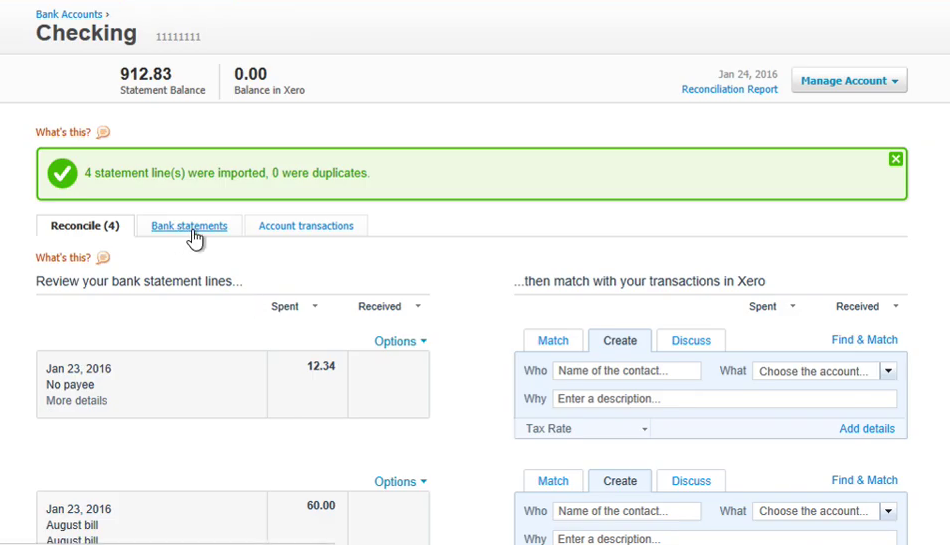
How do you convert from PDF to OFX using the converter tool?
Follow the easy steps below to convert.
- Download, install, and launch ProperConvert.
- Open a PDF bank or credit card file.
- Review the extracted transactions for accuracy.
- Back up your accounting software data before importing.
- Click Convert to create an OFX file. To edit data first, choose CSV, edit in a spreadsheet, then convert the CSV to OFX.
- Import the OFX file into Xero, FreeAgent, QuickBooks Online, ZARMoney, YNAB, Sage 50/300, AccountEdge, Microsoft Money, or other apps.
Can I edit transactions before converting?
You can edit transactions after they are extracted. The converter provides basic editing. For best results, convert to CSV first, edit in a spreadsheet, save, then convert the CSV to OFX.
Can the transaction table be accessed in a PDF without converting it?
You can copy text from a PDF in Adobe Acrobat and paste it into your accounting app. But that takes more time. Using ProperConvert to convert to CSV is faster and more accurate.
Can tabular transaction data be extracted using a generic PDF tool?
Some free online PDF tools can export to CSV. But they often include extra content like account headers and interest tables. You may need to clean up the CSV and fix date or amount formats. For example, a date like "May 3" may need a year added. ProperConvert handles this automatically.
Is the conversion program suitable for multiple users?
Yes. The app can be installed on multiple computers. Users can run multiple windows at once. We offer licensing options for multiple users.
Is there a free converter version?
You may use a free trial to test the parsing without limitations for files from a bank and convert up to 10 transactions into an output file.
Is there an option for using the online converter version?
The converter converts files on your Windows or macOS desktop.
Is it easy to import OFX files into accounting software?
All modern accounting apps import OFX. They provide a full interface to review transactions, assign vendors and accounts, and save to the register.
Learn More
- OFX - What Is OFX File Format and How to Open it?
- QuickBooks - How to import transactions into Quickbooks
Related articles
- Convert CSV/Excel files to OFX and import into Quickbooks Online, Xero, Microsoft Money
- Convert CSV/Excel to QBO and import into QuickBooks
- Convert CSV/Excel to QIF and import into Quicken, Banktivity, MYOB #quicken
- What are OFX, QFX, QBO (Web Connect) files?
- How to Convert Bank Statement PDF to CSV
- Convert PDF statements to a QuickBooks-compatible format
- Convert PDF to QFX and import into Quicken Classic